Beginner’s Guide to AI in Daily Life

Person using everyday AI tools on laptop and phone with floating icons of assistants, apps, and automation.

AI for beginners means using simple tools that automate everyday tasks like writing emails, organizing schedules, and finding information quickly. Start with free AI assistants like ChatGPT or Google’s Bard for basic questions, then gradually add specialized tools for productivity, creativity, and home management as you become comfortable. You’ve probably used artificial intelligence today without … Read more


Cybersecurity Trends 2025: Key Risks and Solutions Ahead

Digital shield with cybersecurity icons representing 2025 online safety trends

The biggest cybersecurity trends in 2025 include AI-powered cyber attacks, advanced phishing using deepfakes, multi-cloud security challenges, zero trust adoption, and the growing importance of personal digital resilience. Key protection strategies involve combining traditional security practices with AI-driven tools, building comprehensive incident response plans, and staying updated on emerging threats. Cybersecurity is rapidly evolving, and … Read more

Zero Trust Security Explained: Protecting Your Digital Life

Illustration of Zero Trust Security with user authentication layers, shield, lock, and network segmentation for cybersecurity in 2025.

Zero Trust Security is a cybersecurity framework that assumes no user, device, or network connection can be trusted by default. Instead of relying on perimeter defenses, it requires continuous verification of every access request through multiple authentication factors, regardless of location or previous access history. Core Philosophy: “Never trust, always verify” Key Approach: Treat every … Read more

Top Cybersecurity Tools 2025: Software for Online Safety

Futuristic laptop screen with cybersecurity dashboards, shield icons, VPN, firewall, and password manager holograms representing online safety in 2025.

🛡️ Password Managers: Secure and generate unique passwords 🔐 Multi-Factor Authentication Apps: Add extra login security layers 🦠 Antivirus Software: Block malware and ransomware attacks 🔥 Firewalls: Control network traffic and prevent intrusions 🌐 VPN Services: Encrypt internet connections and hide location 📧 Email Security Tools: Filter phishing and malicious attachments 🔍 Vulnerability Scanners: Identify … Read more

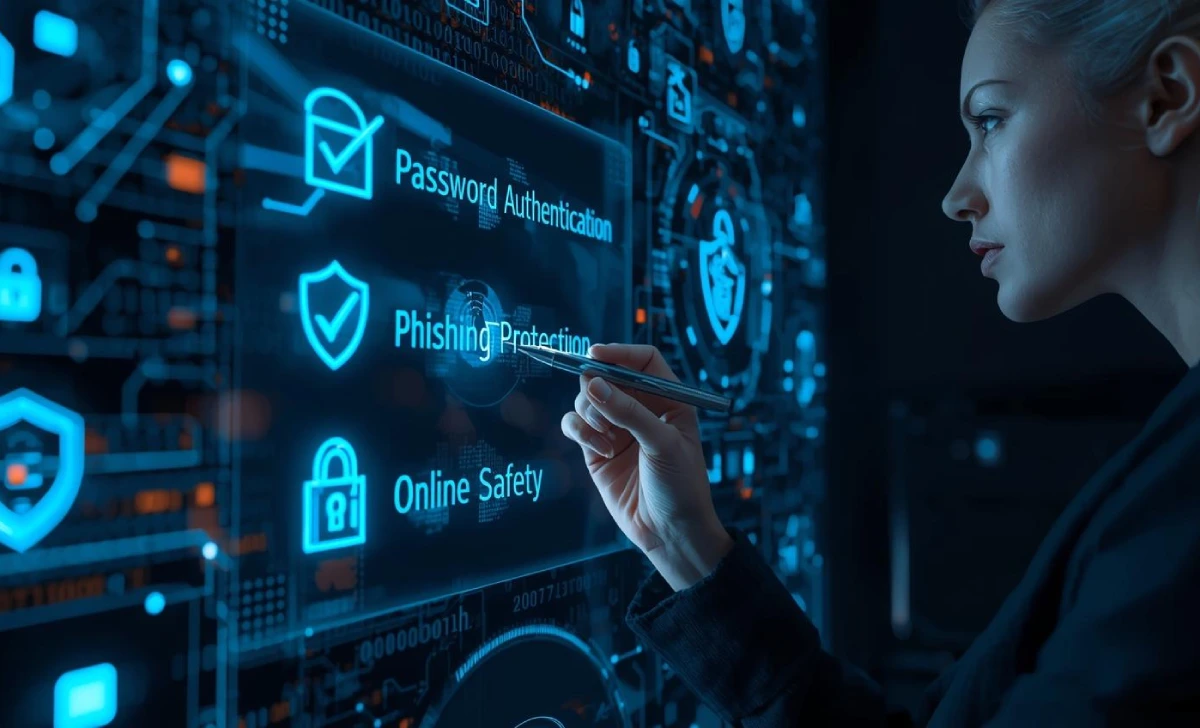
Cybersecurity Checklist 2025: Essential Steps to Stay Safe Online

Futuristic digital checklist with cybersecurity icons like padlock, shield, and two-factor authentication glowing on a screen, representing online safety in 2025

✅ Use strong, unique passwords with a password manager ✅ Enable two-factor authentication on all accounts ✅ Keep software and devices updated ✅ Learn to identify and avoid phishing scams ✅ Create a personal cybersecurity incident response plan ✅ Use secure networks and VPNs when necessary ✅ Regular backup of important data ✅ Monitor your … Read more

Cybersecurity Awareness 2025: Complete Guide for Online Safety

Person using a laptop with glowing cybersecurity icons like shield, lock, fingerprint, 2FA code, and phishing alert for 2025 online safety.

Cybersecurity awareness in 2025 means recognizing AI-powered threats like deepfake scams, voice cloning, and personalized phishing attacks. Essential protection includes multi-factor authentication, regular software updates, strong unique passwords, and learning to spot AI-generated content. The key is combining traditional security habits with new skills for detecting artificial intelligence-based attacks. Did you know that AI-generated deepfakes … Read more

Cybersecurity Skills to Learn in 2025 for Online Safety

People learning cybersecurity skills in 2025 with laptops, shields, and digital locks for online safety.

The top cybersecurity skills everyone needs in 2025 include: Password management and multi-factor authentication Phishing detection and social engineering awareness Device and network security fundamentals Data backup and recovery planning Privacy settings optimization across platforms Incident response for personal cyber emergencies These skills protect against 95% of common cyber threats targeting individuals and require no … Read more

Cybersecurity Threats in 2025: How to Stay Safe Online

Person using a laptop with 2025 cybersecurity threats like phishing, ransomware, and AI-driven scams, protected by shields and locks.

The biggest cybersecurity threats in 2025 include AI-powered phishing attacks (affecting 67.4% of all phishing attempts), deepfake video and audio scams, ransomware targeting personal devices, quishing (QR code phishing), and credential theft through infostealer malware. Australians can stay protected by using strong passwords, enabling two-factor authentication, staying alert to AI-generated scams, and maintaining updated security … Read more

Everyday Cybersecurity Risks and How to Prevent Them

Person using a laptop with everyday cybersecurity risks like phishing, weak passwords, and malware, protected by shields and padlocks.

Every day, you face dozens of cybersecurity risks without realizing it. From checking email over morning coffee to shopping online during lunch breaks, routine digital activities expose you to threats that can drain bank accounts, steal identities, and compromise personal data. Cybercriminals target everyday behaviors because most people don’t recognize these common attack patterns. The … Read more

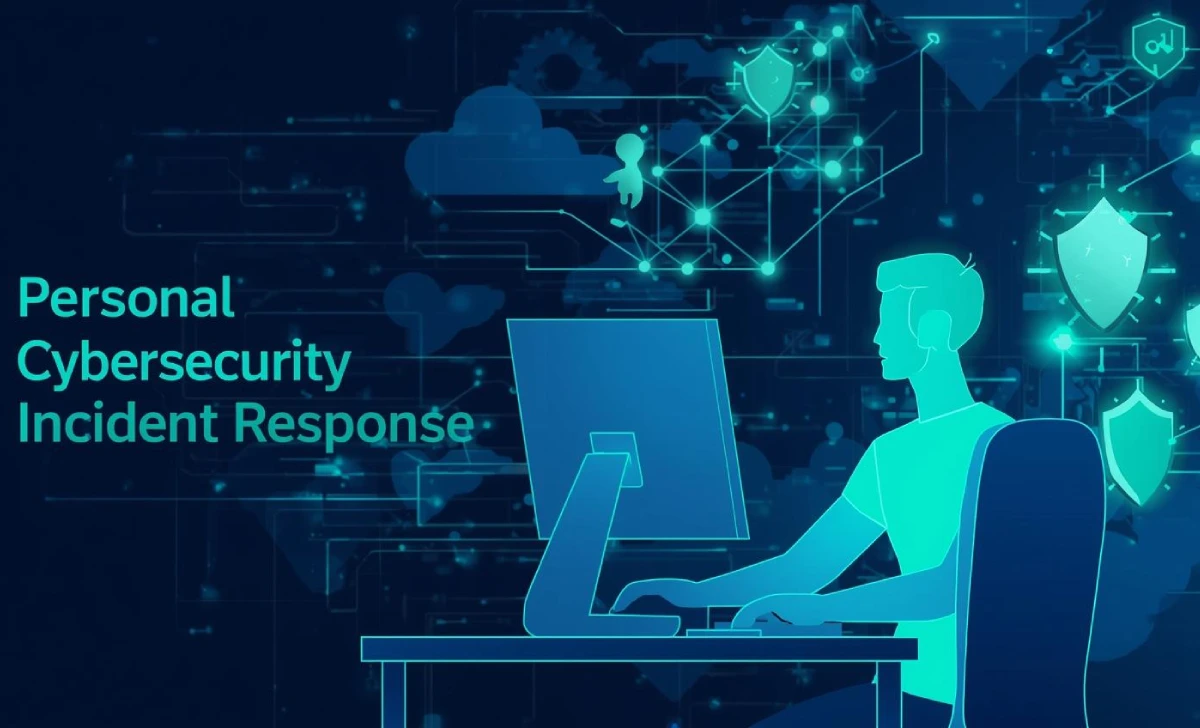
Personal Cybersecurity Incident Response: Step-by-Step

Person at a desk viewing a cybersecurity incident response dashboard on a computer, with shield icons and network graphics.

Cybersecurity incidents happen to millions of people every year, from data breaches exposing personal information to account takeovers draining bank accounts. When your accounts or data are compromised, quick and clear action makes the difference between minor inconvenience and major financial loss. This incident response checklist complements a broader personal cybersecurity plan. First Hour: Disconnect … Read more